Connect your channels
How StayBind connects to Airbnb, Booking.com, MakeMyTrip and the rest, which way fits each channel, and where to get help if a step does not work.
StayBind keeps one calendar for every room you sell. When a booking comes in from any channel, those nights close everywhere else. These guides walk you through connecting each channel, with the same screens you will see in the app.
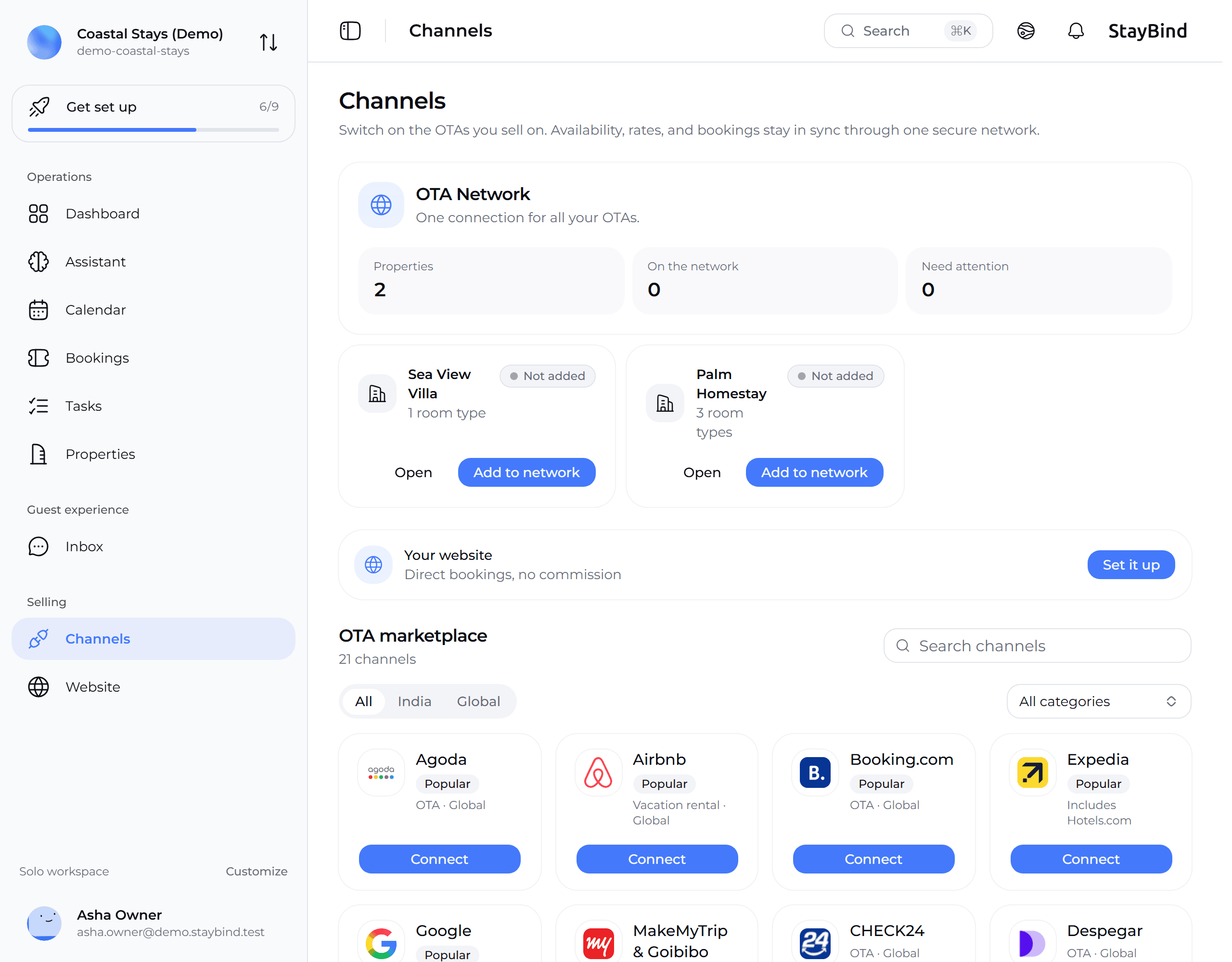
Three ways a channel connects
| How it connects | Channels | What you do |
|---|---|---|
| Sign in | Airbnb | Sign in on Airbnb, approve StayBind, then choose which room each listing sells. Guide |
| Switch on in the extranet | Booking.com, Agoda, Expedia, Trip.com, MakeMyTrip & Goibibo, Yatra, Hostelworld and others | Turn on the connection in the channel's own extranet (or ask their team to), then enter your property ID in StayBind. Guide |
| We connect it with you | Vrbo, Google, Hopper, Hotelbeds | Send a request from the app. We contact you and set it up together. Guide |
A full connection sends your prices, availability and booking rules to the channel, and brings its bookings into StayBind as they happen.
If a channel is not in the list, or you only want to stop double bookings without a full connection, use calendar sync. It works with any channel that can import or export a calendar link.
Before you connect anything
Add your property and rooms
Each room you sell needs to exist in StayBind first, published, with a nightly price, so a listing has something to connect to. If a property cannot be connected yet, the connect screen says why and has a Fix button that takes you there.
Put the property on the network
On the Channels page, each property has Add to network. Connecting a channel does this for you too, but doing it first means the channel connects straight away.
Finish the listing on the channel
Channels only share listings that are published. A draft, a listing waiting for review, or one that is snoozed is not sent.
Use the owner's login
Connect with the account that owns the listing. A co-host or a staff login on the channel usually cannot approve a connection.
Disconnect any other channel manager
A channel takes updates from one channel manager at a time. If another one is connected to the same account, the two overwrite each other's calendar.
Nothing goes live by surprise
Connecting and going live are separate steps. Until you press Go live, StayBind does not change your prices or calendar on the channel. You can connect, check every listing and every booking rule, and only then go live.
Getting help
Every screen where a step can fail has a WhatsApp us button and a link back to the right guide. You can also reach us directly:
- WhatsApp: +91 89776 29009
- Email: contact@staybind.com
When you write, say which channel and which step, and include a screenshot if you can. Most problems are solved in the first reply that way.
StayBind for Developers
Connect a custom OTA, build a direct-booking storefront on the Booking API, and receive reservations over webhooks, all backed by one source-of-truth availability ledger.
Connect Airbnb
Sign in on Airbnb, choose which room each listing sells, check the booking rules and calendar, and go live. Plus what to do when Airbnb shows no listings.